-
Organize notes, record lectures, type or write notes, to improve note
 taking skills, retention, and comprehension by allowing students to focus more on the course lecture content and less time taking notes.
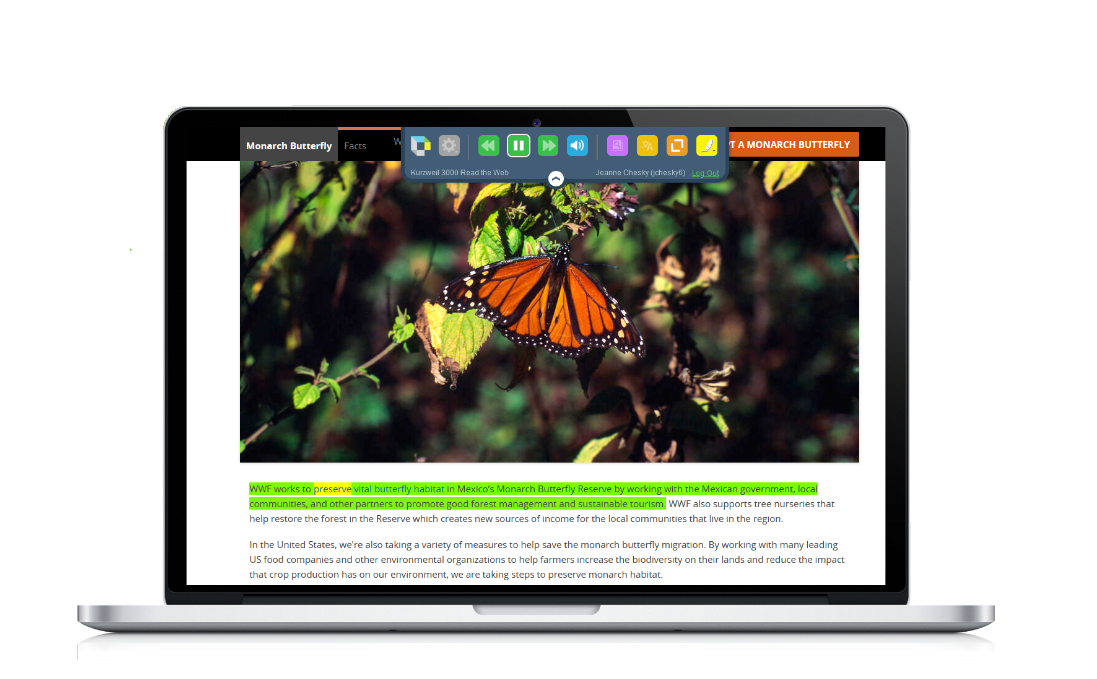
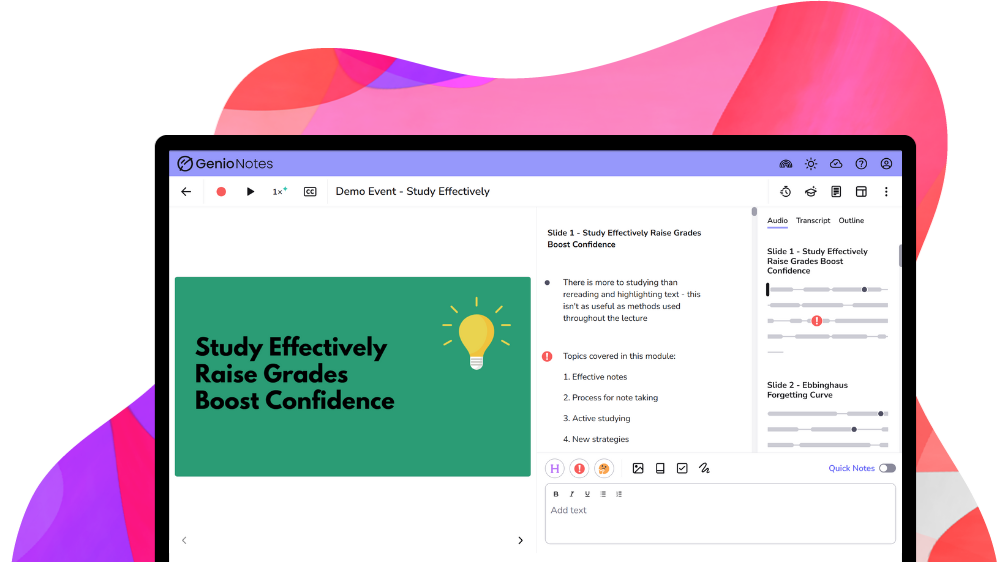
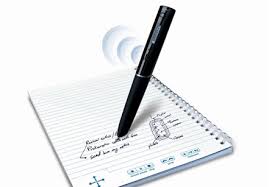
 The ATI offers a number of options to support students with notetaking. The most commonly used solutions are as follows:
Notetaking & Organizational Resources
-

What is Assistive Technology?

AT Assessments & Referrals
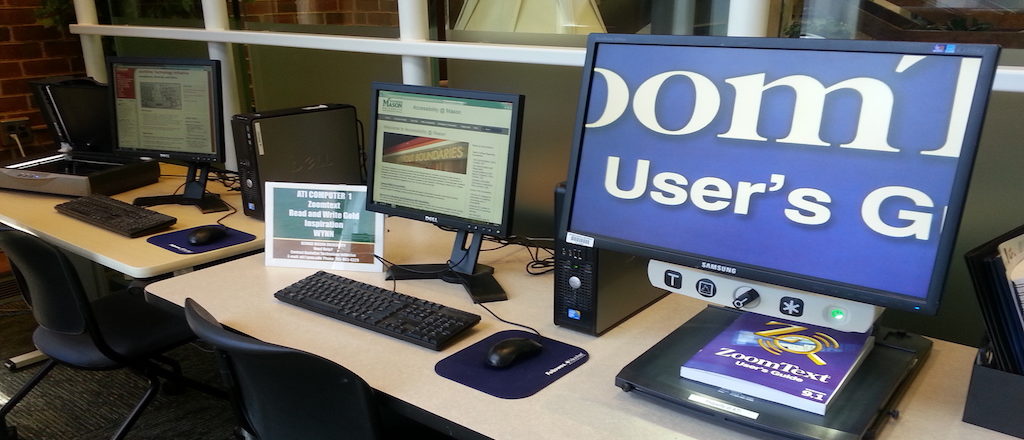
Library AT Labs

Options for Typing with your Voice

Tools for Reading
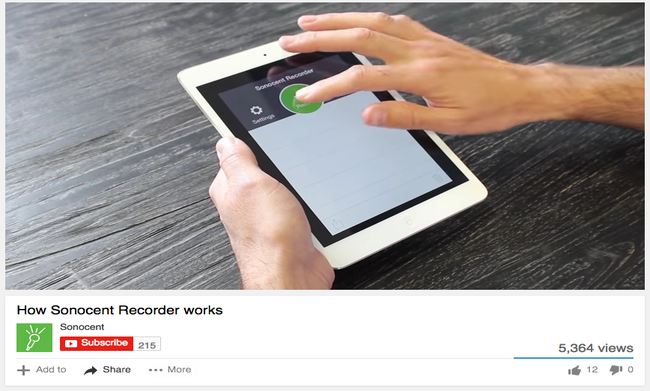
Tools for Notetaking

Tools for Writing

Tools for Individuals with Visual Impairments
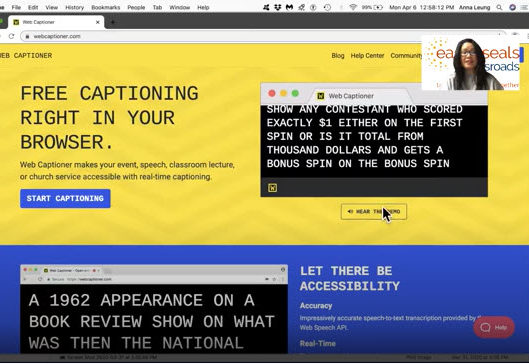
Tools for Deaf or Hard of Hearing Individuals

Accessibility Tools for Mac & iOS
Accessibility Tools for Windows
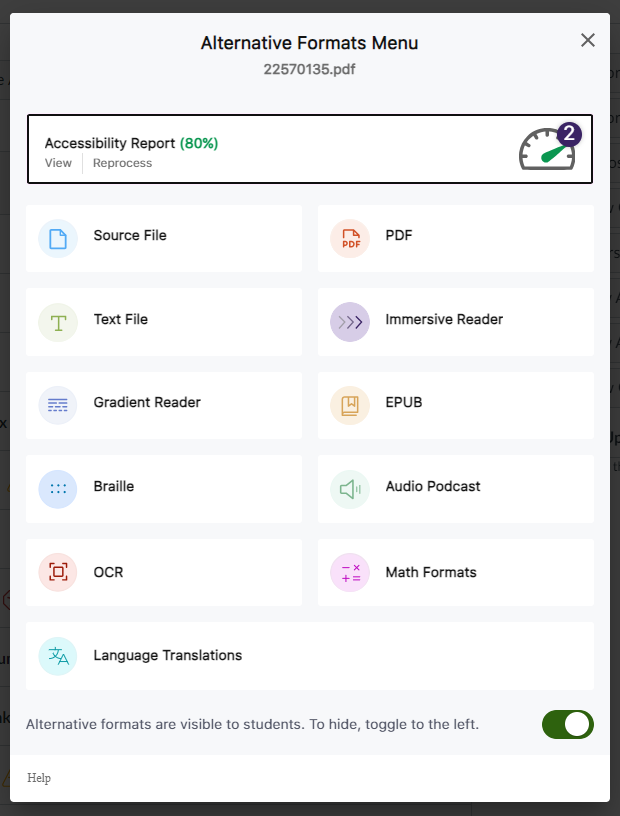
Alternative Format Options in Canvas (Students)
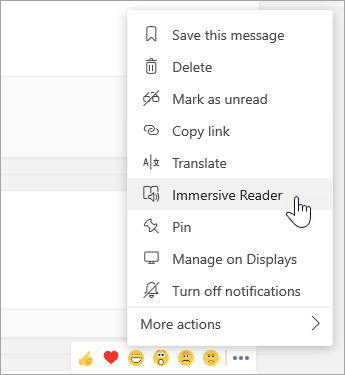












Before spending time remediating a PDF, ask yourself the following questions:
-
- Is this document actively being used in the course?
- Is it required course content?
- Is there an accessible Word or PowerPoint version available?
In many cases, replacement is more effective than remediation. Consider replacing a problematic PDF with:
-
- A Canvas page
- An accessible Word document
- An accessible PowerPoint file
- Publisher-provided accessible content
If the original Word or PowerPoint source file is available, fixing the source and exporting a new PDF is usually faster and yields better accessibility outcomes than remediating the PDF directly.
-
Meet your 2025-2026 Trusted Testers!
-
Meet your 2026-2027 Document Accessibility Pros!
-
Meet your 2025-2026 Document Accessibility Pros!