
Students will only be able to submit a request if they have the Accessible Textbook accommodation.
- Open a web browser and navigate to the ATI website: ati.gmu.edu.
- In the green menu at the top, hover your mouse on the About Us section.
- Click the first choice on the dropdown menu: Request Services. Or, go straight to: Request Services webpage.
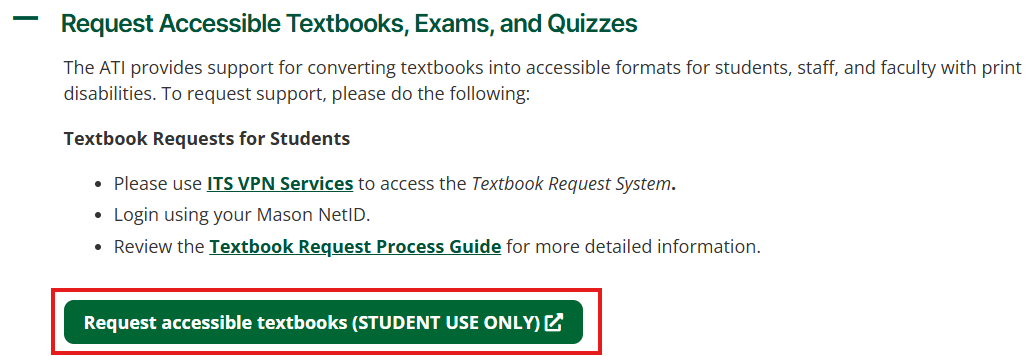
- Scroll about halfway down to find the section: Request Accessible Textbooks, Exams, and Quizzes. Click on the plus sign to open this section.
- Then click the green button that says: Request accessible textbooks (STUDENT USE ONLY). A new page will open, connecting to our database for requests.
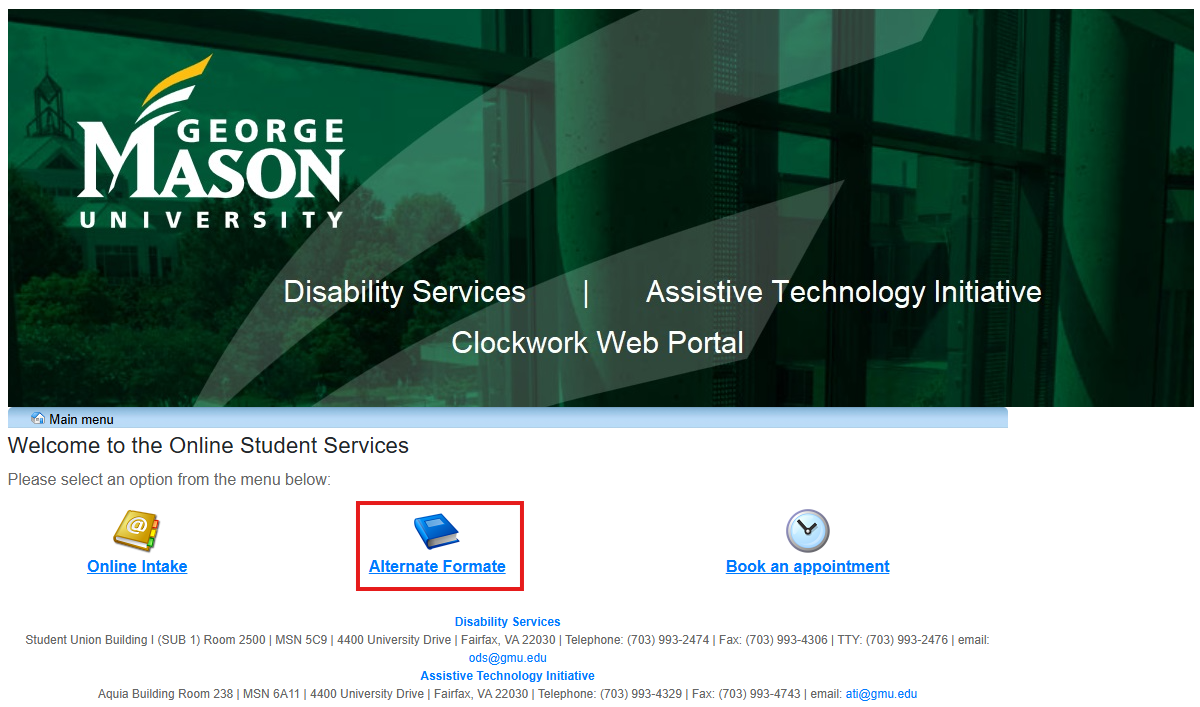
6. Select the middle option: Alternate Formate.
7. Click on New Request.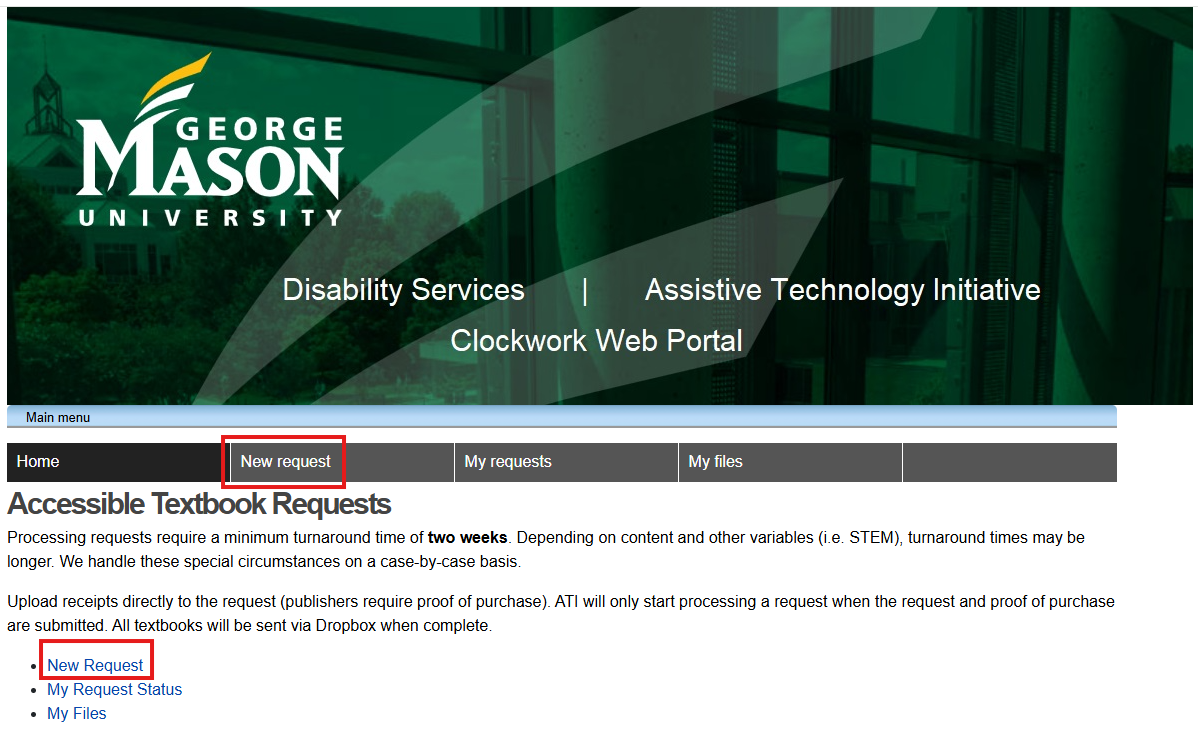
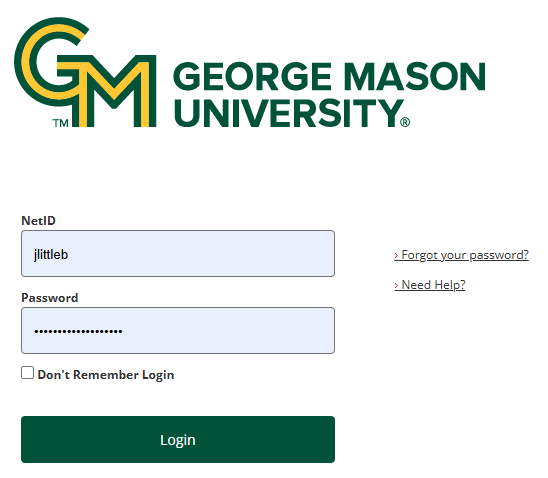
8. Log in with your NetID and password.
9. Select Searching for Books.
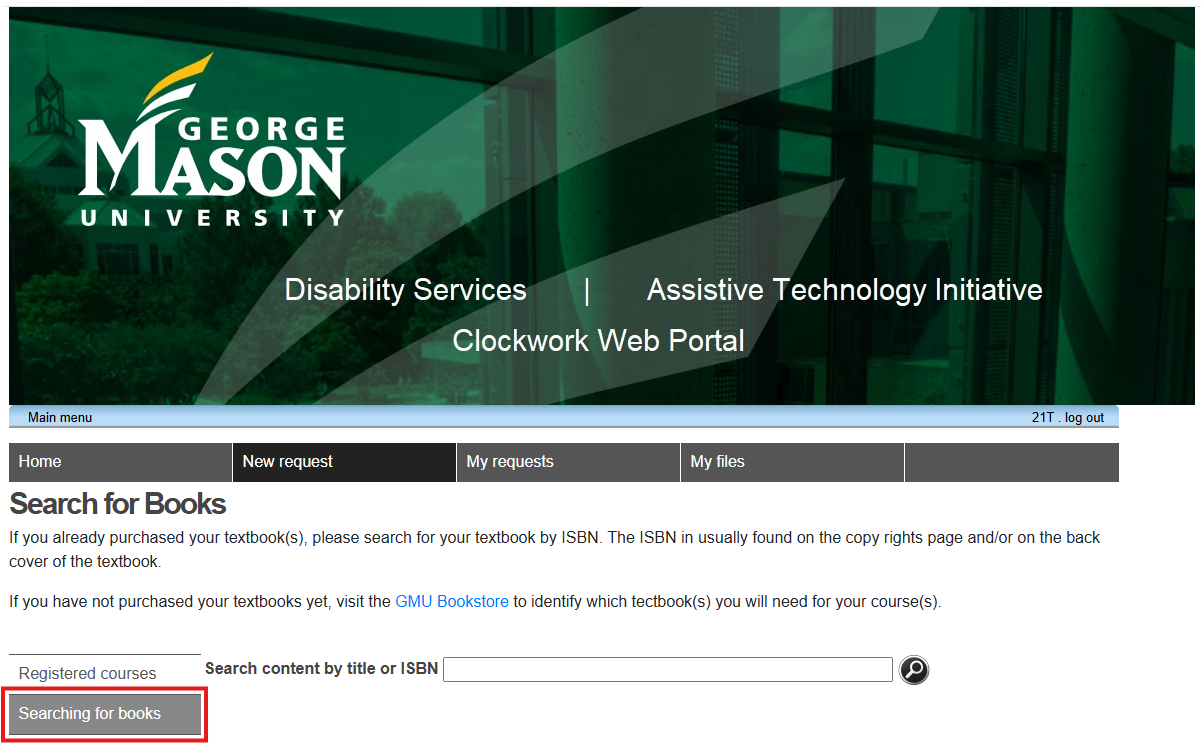
10. Search by the textbook’s ISBN or title.
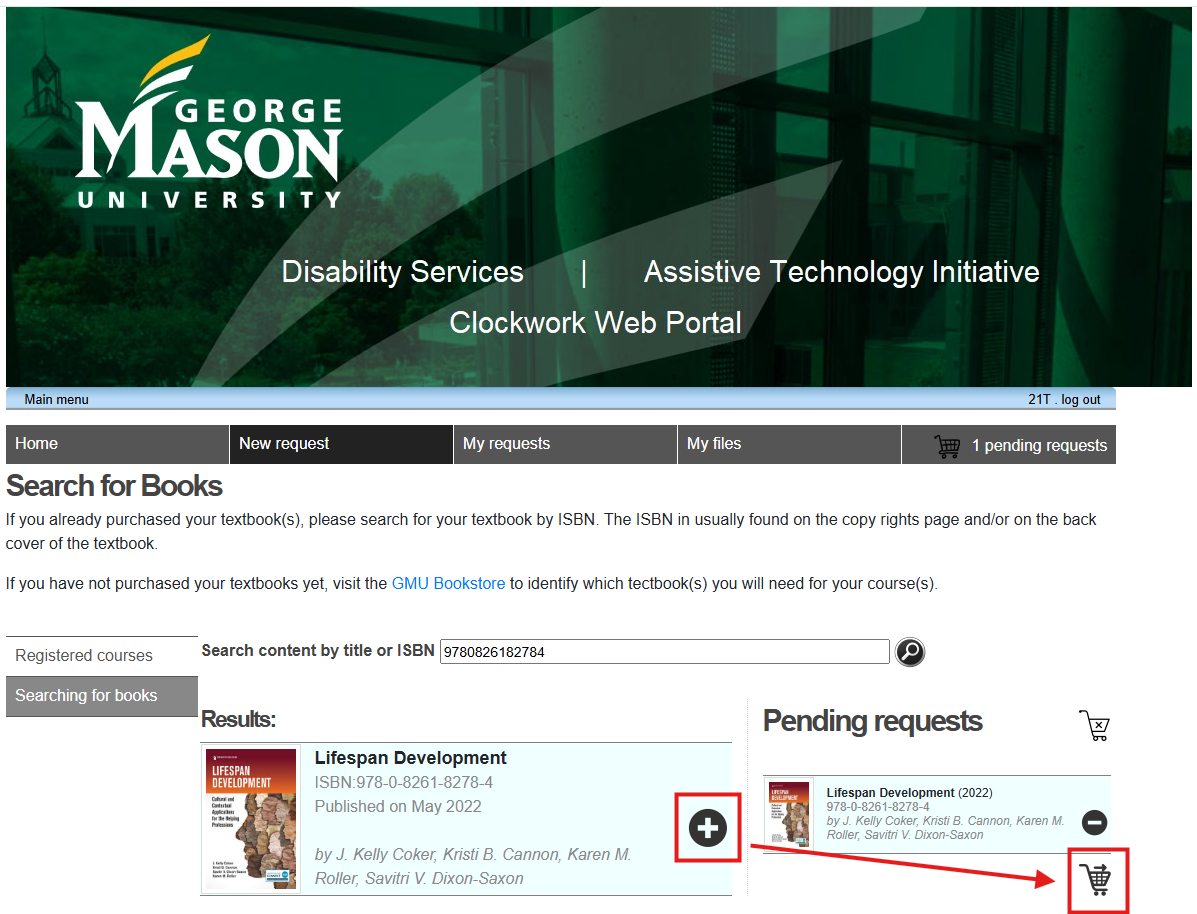
11. Select the Plus sign to add to the cart. When all textbooks are added, select Checkout.
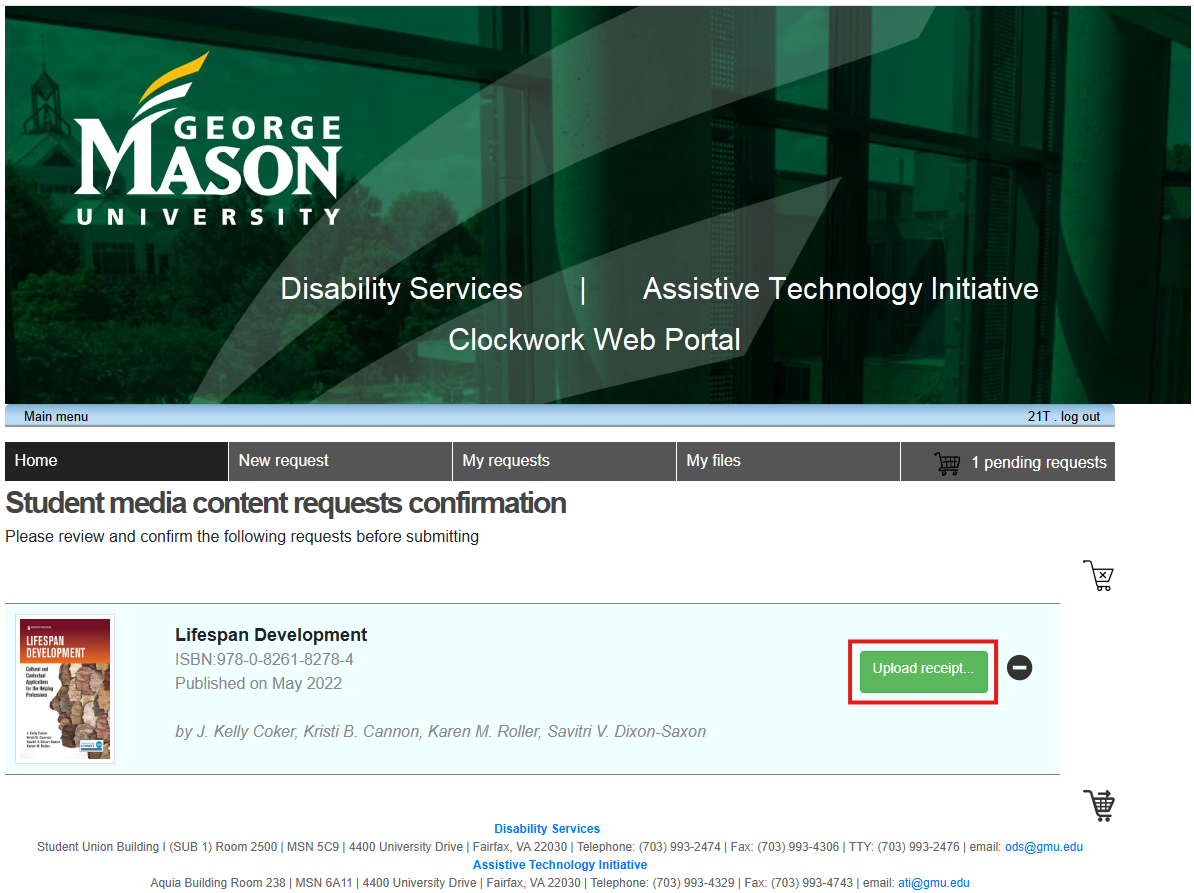
12. Double check the textbooks are correct and upload receipts for each textbook.
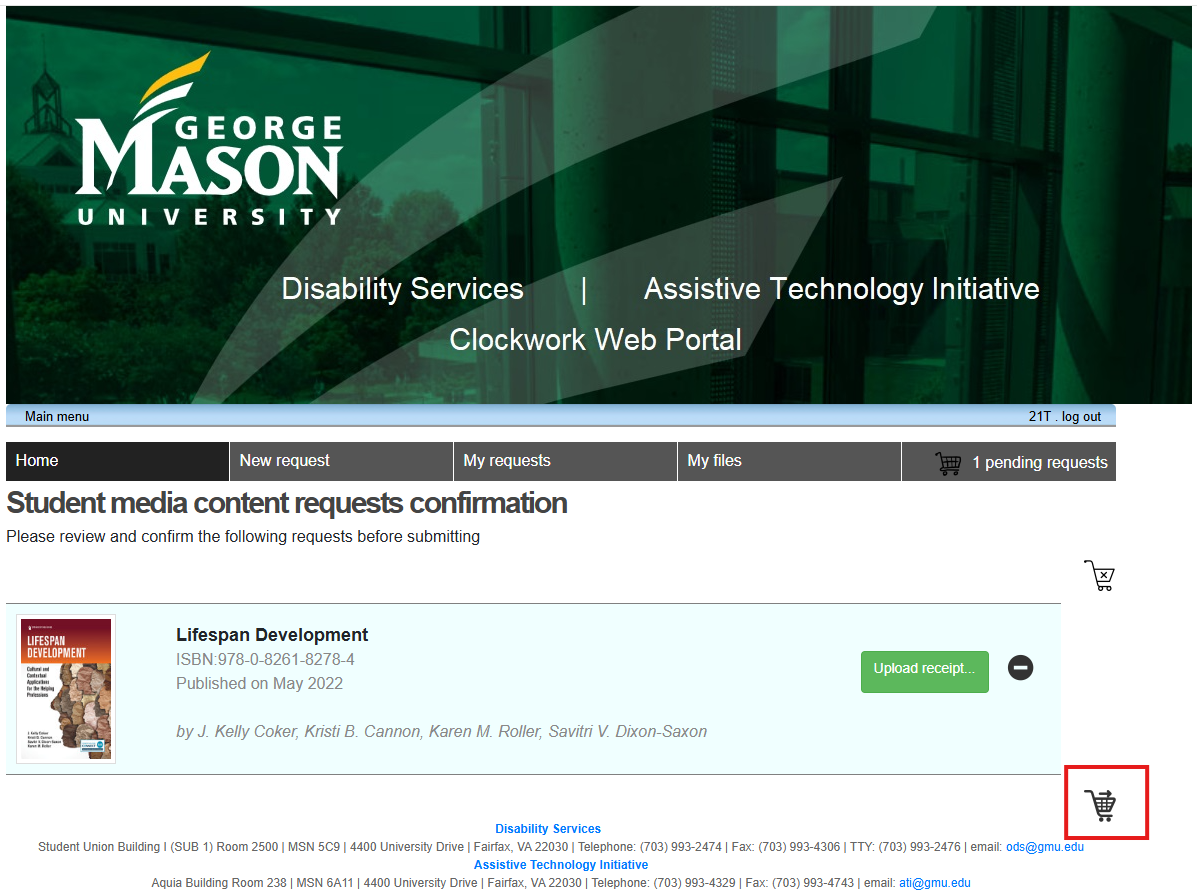
13. Then Send request.
14. A “Request Submitted” message will appear if the textbooks were submitted to the ATI.
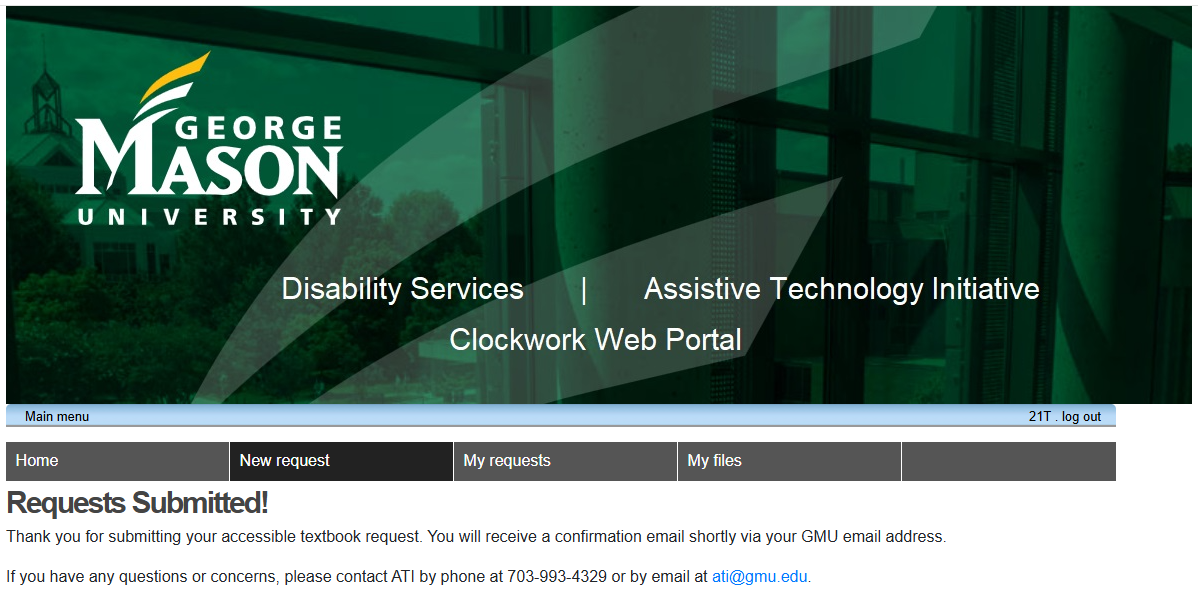
15. You will receive an email confirmation in your GMU email.
Notes:
- If you’re off campus, please set up the VPN before you begin the textbook request process. GMU ITS (Information Technology Services) has comprehensive guides on their website: GMU ITS VPN. The website explains what the VPN is, and the guides walk through the steps to set it up.
- If you continue to have trouble with it, you can contact them directly by Phone: 703-993-8870 or Email: [email protected].