-
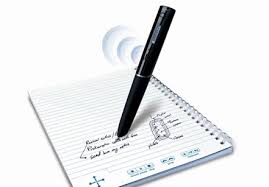
Organize notes, record lectures, type or write notes, to improve note
 taking skills, retention, and comprehension by allowing students to focus more on the course lecture content and less time taking notes.
The ATI offers a number of options to support students with notetaking. The most commonly used solutions are as follows:
Notetaking & Organizational Resources
-

What is Assistive Technology?

AT Assessments & Referrals
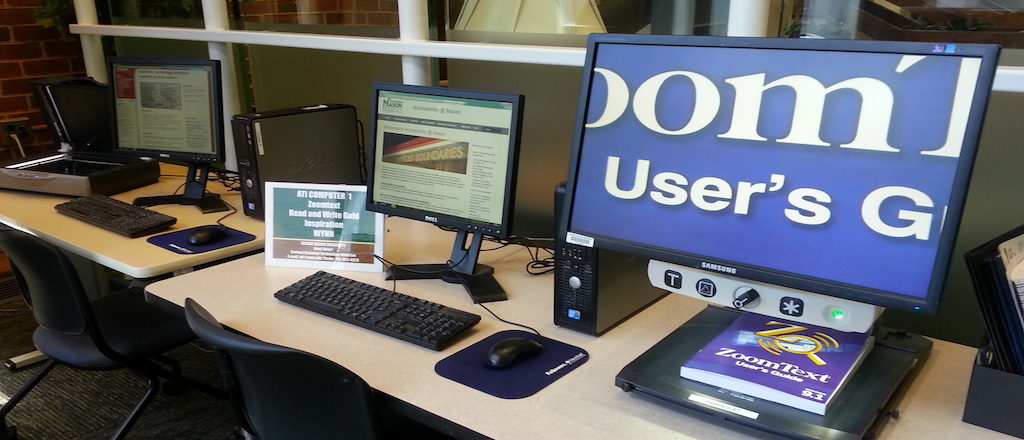
Library AT Labs
Options for Typing with your Voice

Tools for Reading
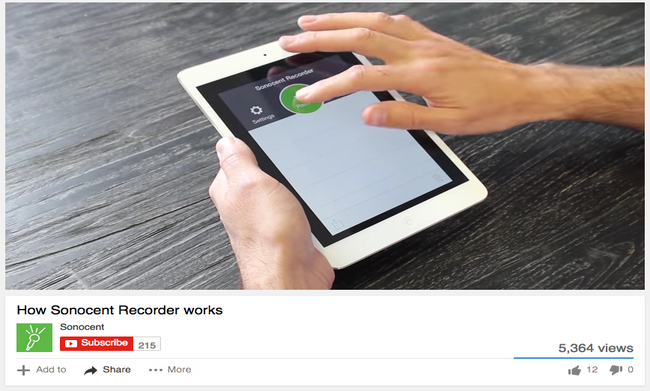
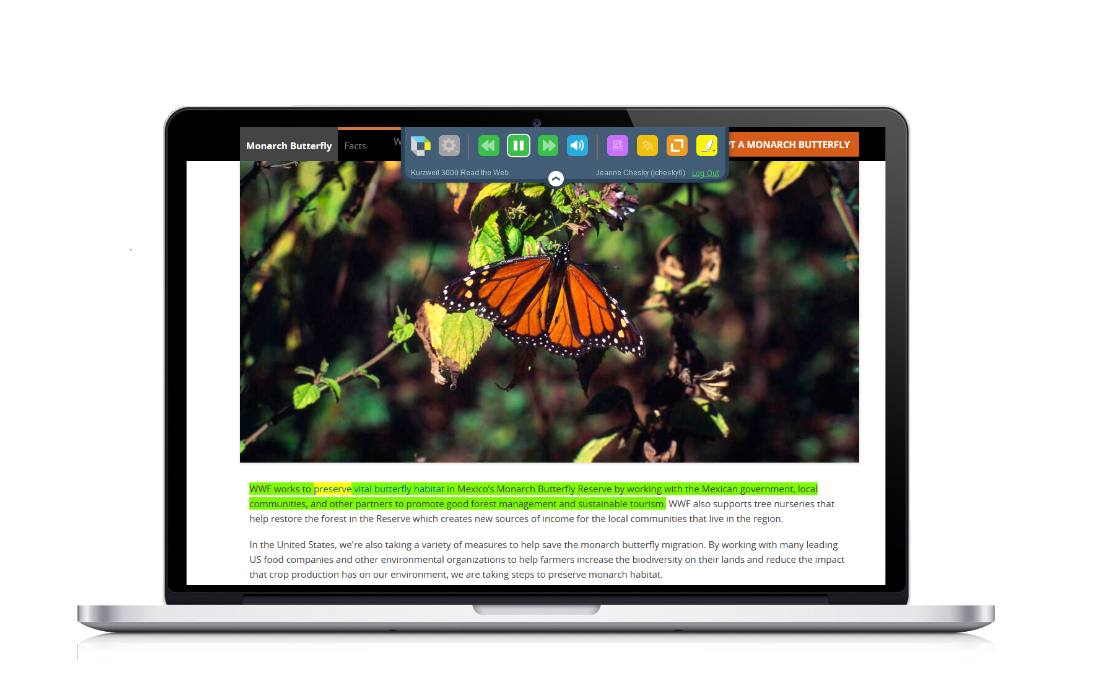
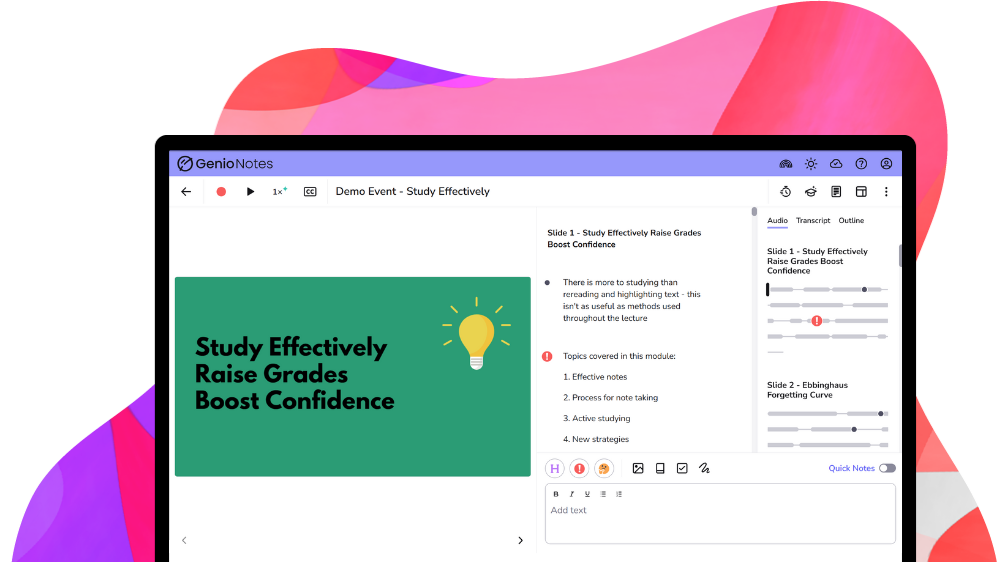
Tools for Notetaking

Tools for Writing
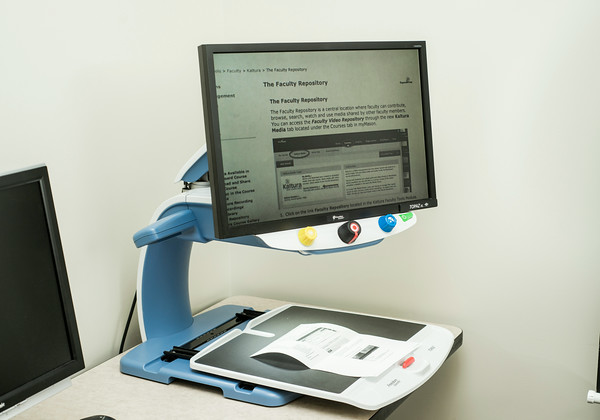
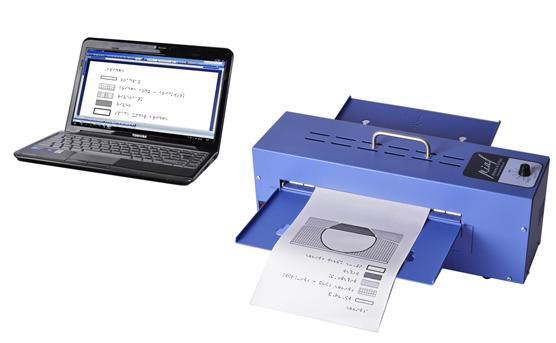
Tools for Individuals with Visual Impairments
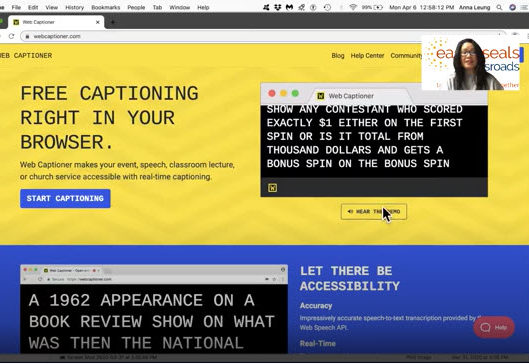
Tools for Deaf or Hard of Hearing Individuals

Accessibility Tools for Mac & iOS

Accessibility Tools for Windows
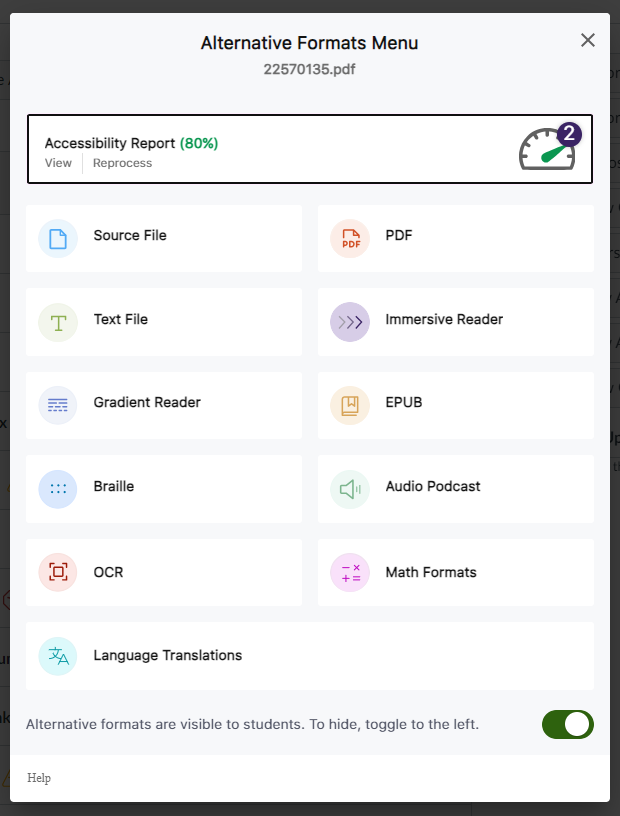
Alternative Format Options in Canvas (Students)










A document can have proper tags and still be unusable if the reading order is wrong. Reading order issues are among the most common sources of PDF accessibility complaints. Review the reading order by following the elements in the document window or the list to the right of the document window.
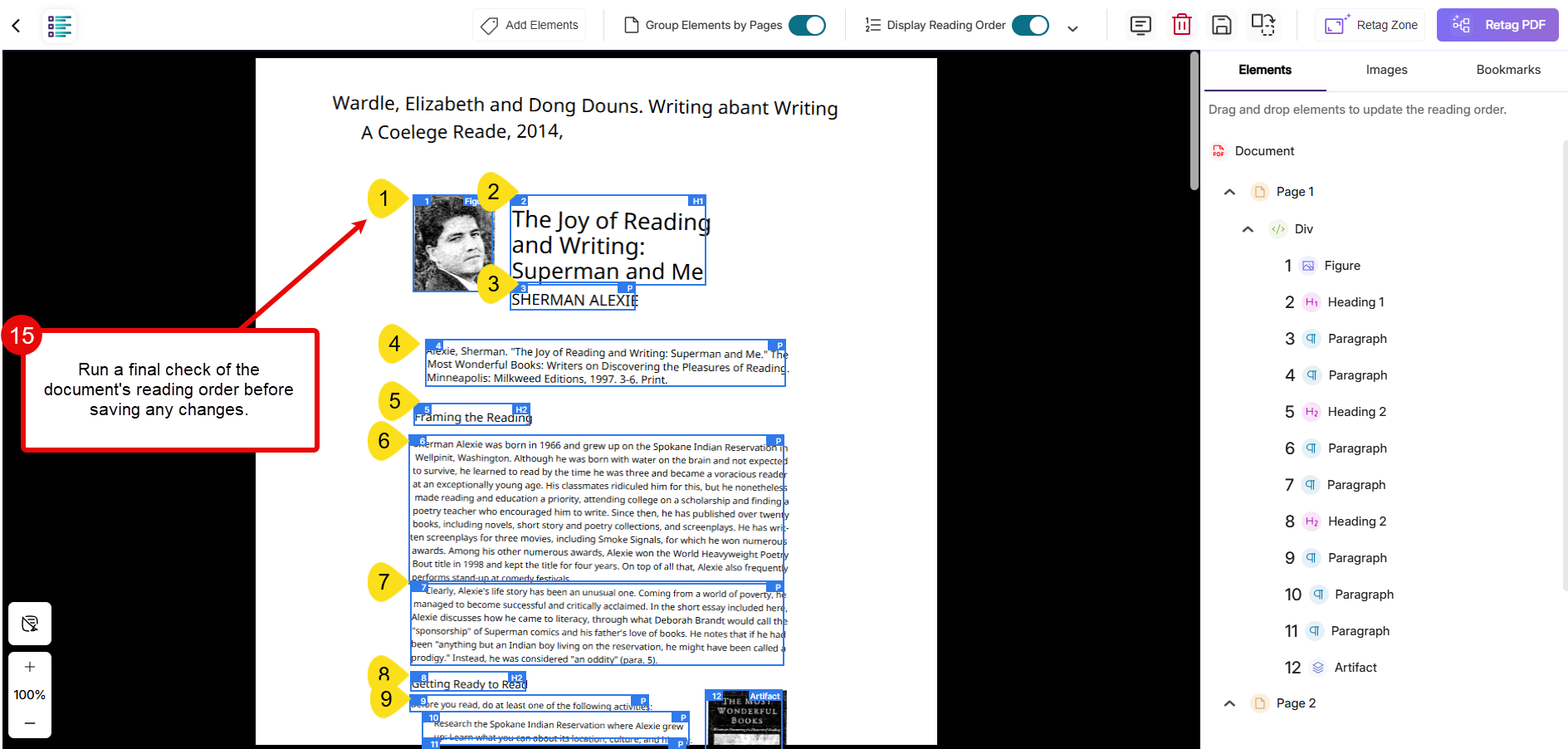
Ask yourself: Does the content read logically for a student listening aloud using a screen reader or text-to-speech application?
Common reading order problems to look for include:
-
- Multi-column documents: Screen readers may mix content across columns rather than reading one column at a time.
- Sidebars: Sidebar content may be read aloud before the main body text, interrupting the document flow.
- Captions: Image captions may become detached from the images they describe.
- Callout boxes: Important notes or instructions may appear out of sequence relative to the surrounding content.
Adjust content order as needed so that assistive technologies encounter information in a logical, meaningful sequence.
-
Meet your 2025-2026 Trusted Testers!
-
Meet your 2026-2027 Document Accessibility Pros!
-
Meet your 2025-2026 Document Accessibility Pros!