-
Organize notes, record lectures, type or write notes, to improve note
 taking skills, retention, and comprehension by allowing students to focus more on the course lecture content and less time taking notes.
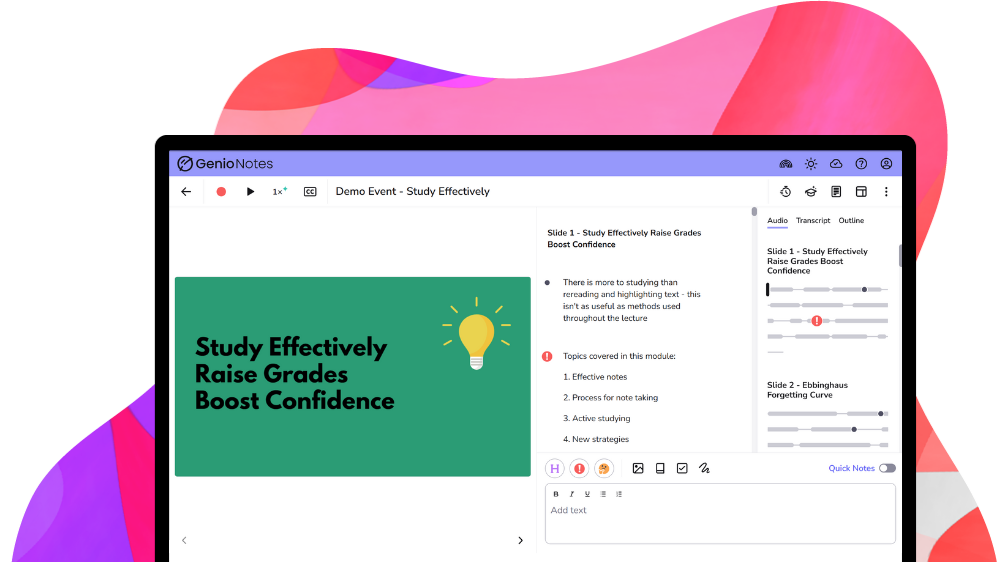
The ATI offers a number of options to support students with notetaking. The most commonly used solutions are as follows:
Notetaking & Organizational Resources
-

What is Assistive Technology?

AT Assessments & Referrals
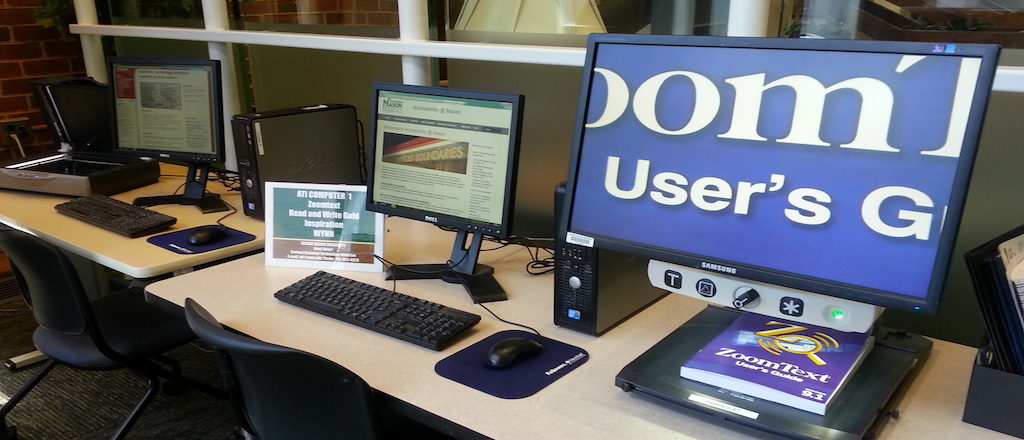
Library AT Labs

Options for Typing with your Voice

Tools for Reading
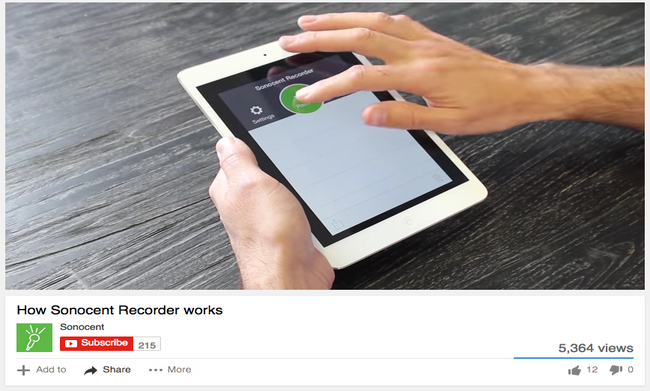
Tools for Notetaking

Tools for Writing

Tools for Individuals with Visual Impairments
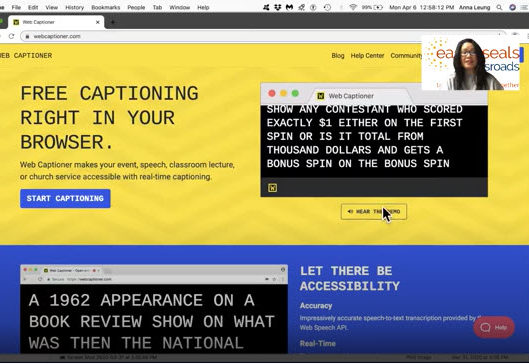
Tools for Deaf or Hard of Hearing Individuals

Accessibility Tools for Mac & iOS

Accessibility Tools for Windows
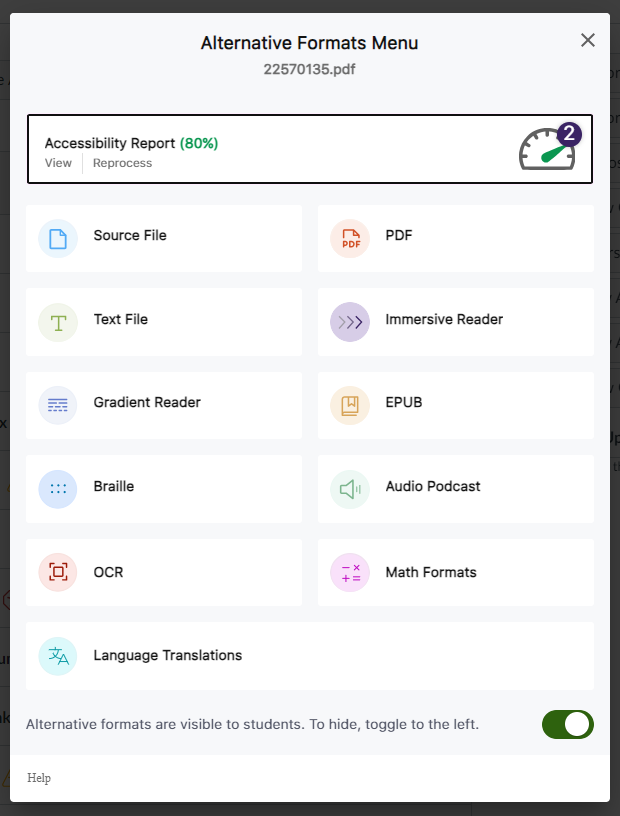
Alternative Format Options in Canvas (Students)




















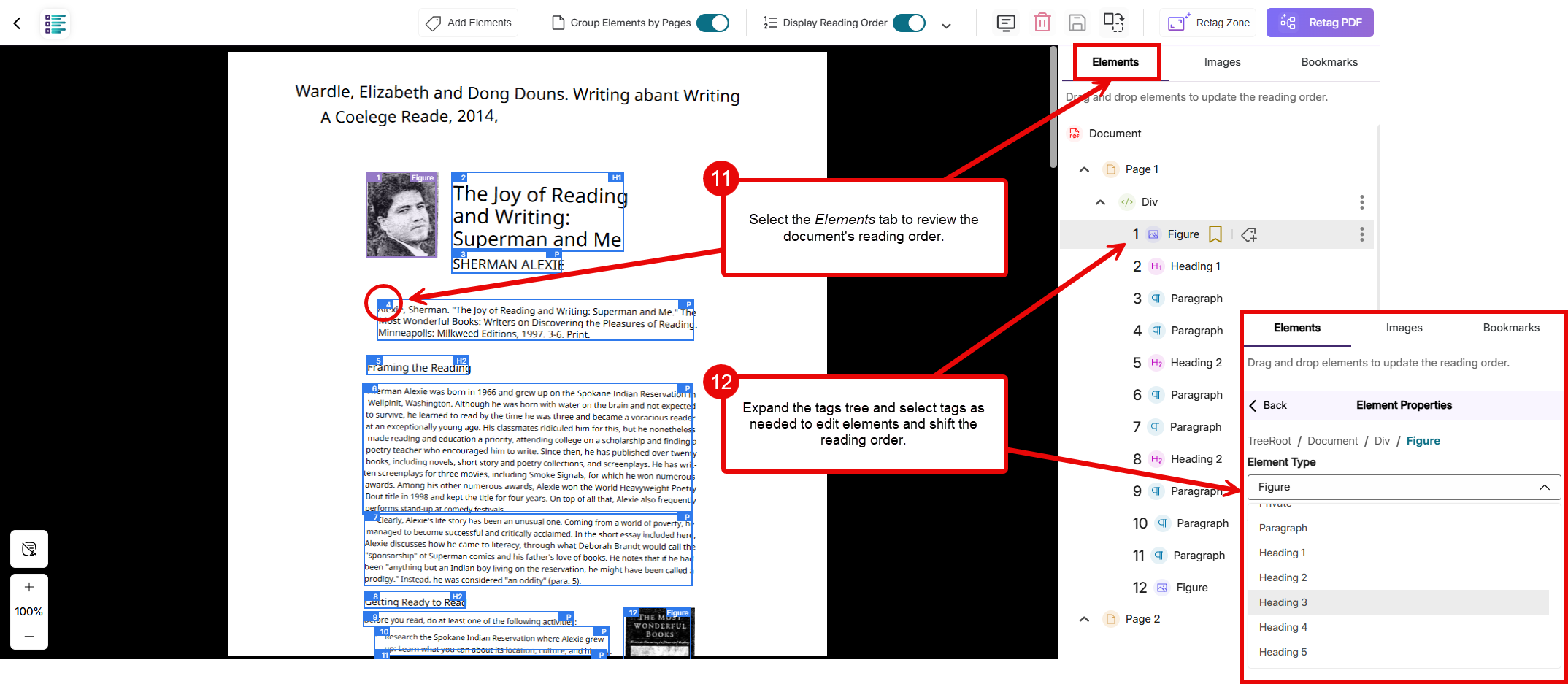
Select the Elements tab to review the automatically identified and tagged headings, paragraphs, lists, tables, figures, and reading order. Edit and move tags within the tags tree as needed to correct misidentified elements or the reading order.
Pay close attention to the following:
-
- Headings: Verify that major sections (e.g., chapter titles, learning objectives, discussion questions) are tagged as headings, not as regular paragraphs. Under the Elements tab, promote or demote heading levels as needed to reflect the document’s hierarchy.
- Lists: Check that bulleted lists, numbered lists, and step-by-step instructions are tagged as lists rather than as individual paragraphs. Screen readers recognize lists and identify the number of items when they are properly labeled (e.g., “List with 5 items”). This provides essential navigation information that students relying on assistive technology depend on.
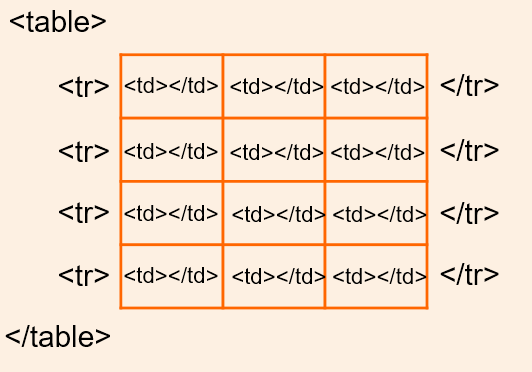
- Tables: Verify that tables are recognized as tables, that header rows are properly identified, and that data appears in the correct cells. If a table contains merged cells, multiple header levels, or complex data relationships, consider escalating to the ATI rather than attempting manual corrections.
PLEASE NOTE: If your document is incorrectly tagged during the OCR process, restart the process by clicking the Retag PDF button on the top right of the document preview window. Disable the Skip Text Recognition (OCR) option and repeat the OCR process. This addresses most retagging issues. If this does not solve your problem, proceed to Step 7.
-
Meet your 2025-2026 Trusted Testers!
-
Meet your 2026-2027 Document Accessibility Pros!
-
Meet your 2025-2026 Document Accessibility Pros!