-
Organize notes, record lectures, type or write notes, to improve note
 taking skills, retention, and comprehension by allowing students to focus more on the course lecture content and less time taking notes.
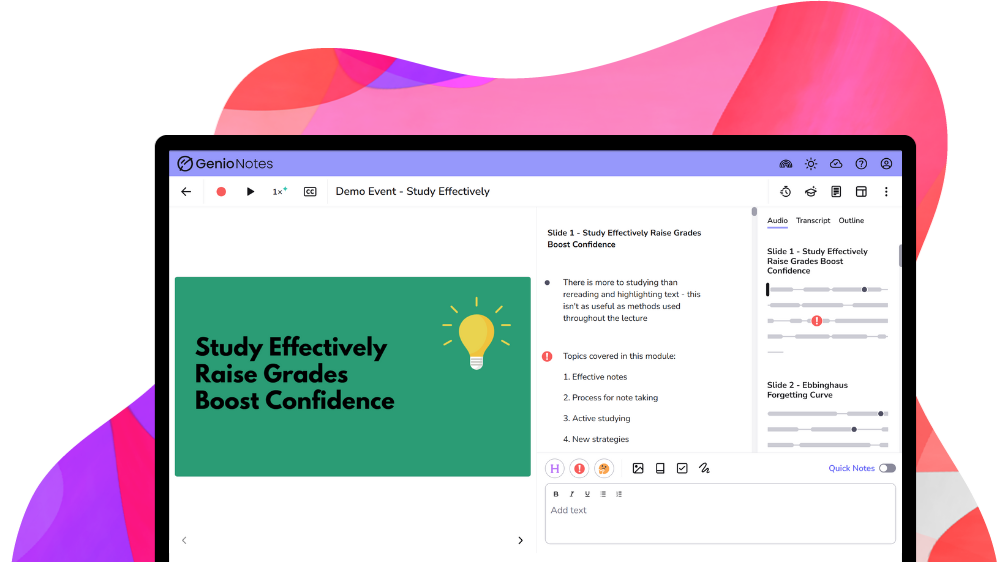
 The ATI offers a number of options to support students with notetaking. The most commonly used solutions are as follows:
Notetaking & Organizational Resources
-
What is Assistive Technology?

AT Assessments & Referrals

Library AT Labs

Options for Typing with your Voice

Tools for Reading
Tools for Notetaking

Tools for Writing
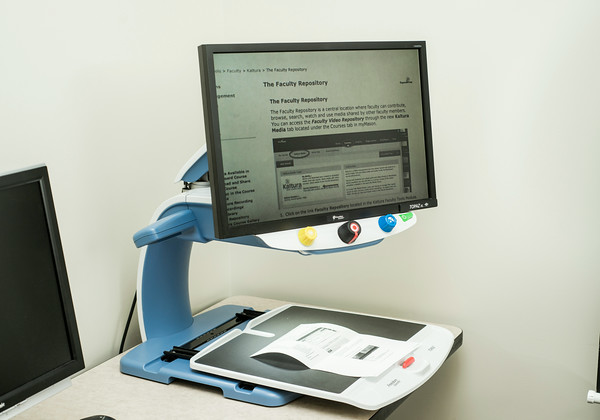
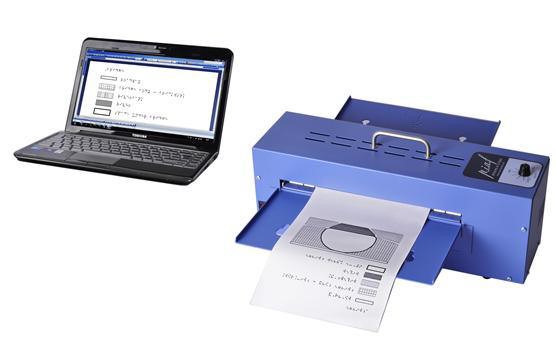
Tools for Individuals with Visual Impairments
Tools for Deaf or Hard of Hearing Individuals

Accessibility Tools for Mac & iOS
Accessibility Tools for Windows
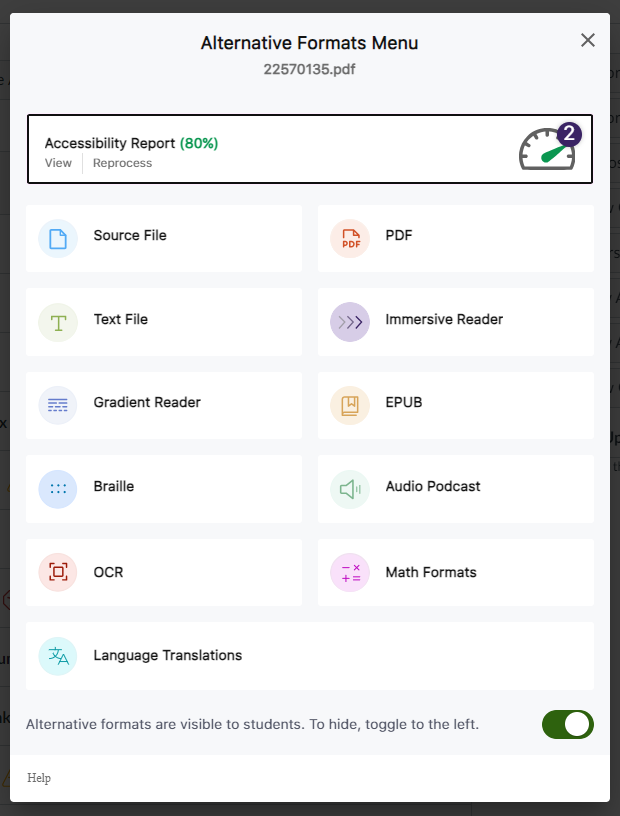
Alternative Format Options in Canvas (Students)













The alt attribute (short for alternative text) is an attribute of the img tag and is meant to be an alternative for non-visual users (i.e., individuals who use a screen reader) when they encounter images on your website.
Screen reading applications cannot interpret images. For that reason, it is important that web designers and developers provide alt text that can be read aloud when the screen-reading application encounters an image. Below is an example of the ATI logo with an appropriate alt text description.
HTML Code Example
<img decoding="async" src="ATI-Logo-small-1.jpg" alt="assistive technology initiative logo"/>Another benefit of alt text is when an image does not load properly on a website. Instead of encountering a blank placeholder icon on the web page, the user will see the alt text displayed. This benefits all users as important can still be relayed to those individuals browsing your website.
Use empty “alt” tags for decorative images
Empty alt attributes hide decorative images, allowing screen reading applications to simply skip past them. This technique is useful for background images and aesthetic elements that hold no functional or instructional purpose.
Without an empty alt attribute, screen readers typically might read the filename of the image or simply indicate there is an image without an additional information. This can be confusing for individuals who are unable to see the image. Below is an example of the same ATI logo with an empty alt attribute.
HTML Code Example
<img decoding="async" src="ATI-Logo-small-1.jpg" alt=""/>-
Meet your 2025-2026 Trusted Testers!
-
Meet your 2025-2026 Document Accessibility Pros!